My Home Automation Setup
It’s been almost two years since I graduated from university and moved into my current place. I finally had the freedom to shape my living space the way I wanted, especially around home automation. One thing I can’t stand is doing repetitive tasks, so I’ve always been drawn to the idea of automating things. I’ve wanted to start simple and here’s the current state of it.
Hardware
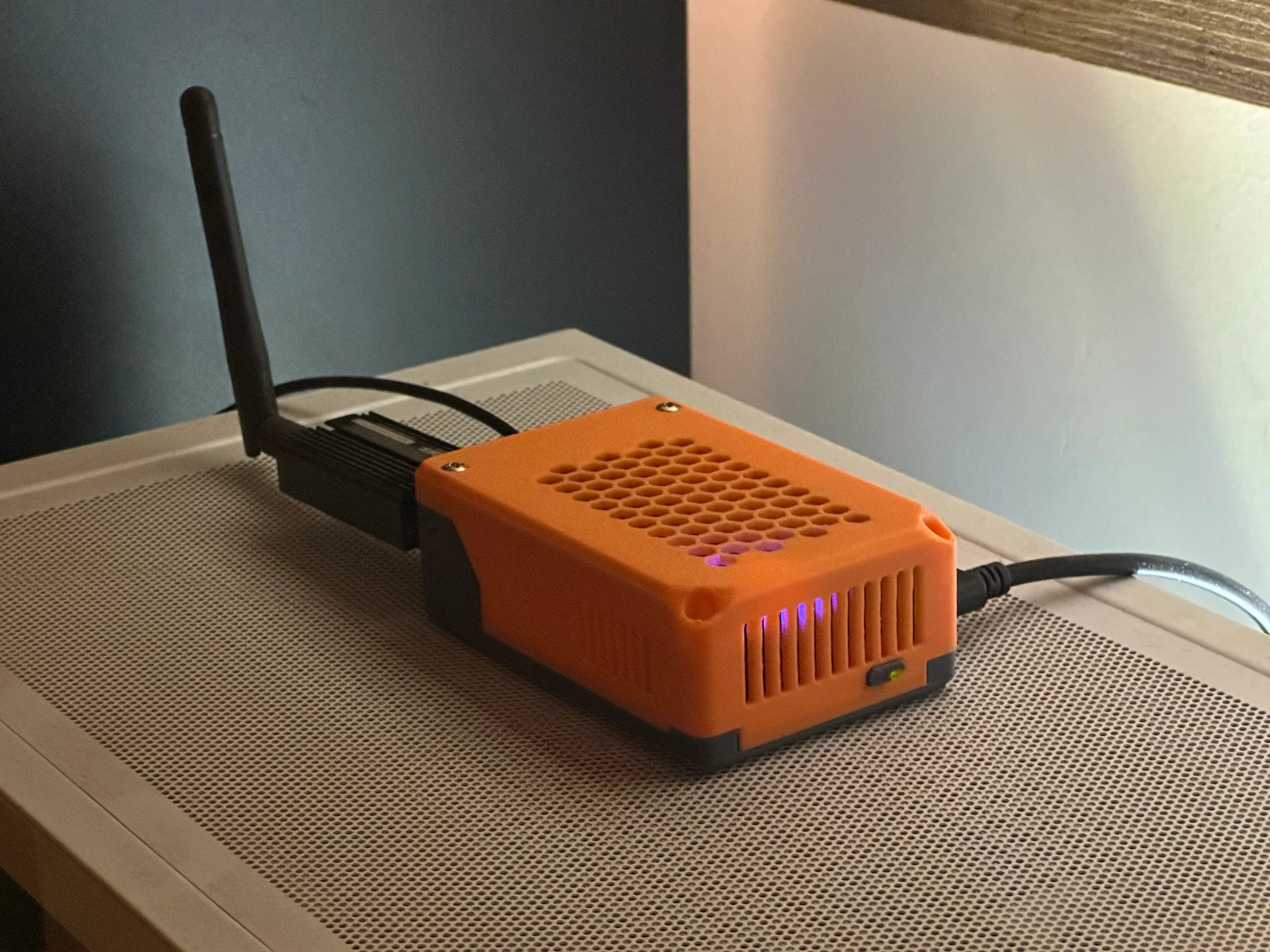
The entire setup runs on a Raspberry Pi 5 (8GB).
For storage, I’m using a Geekworm X1001 M.2 HAT with a 500GB SSD, which has been a great upgrade compared to using an SD card. SSDs on Raspberry Pis are noticeably more stable and offer much better disk performance. I followed this youtube tutorial to set up boot from NVMe.
The Pi runs without any active cooling. I specifically wanted to avoid fan noise since it’s located in my bedroom. It sits inside a 3D-printed case, and even under constant load it has been handling temperatures surprisingly well.
CasaOS: The Base Layer
On top of the hardware, CasaOS is the first thing installed.
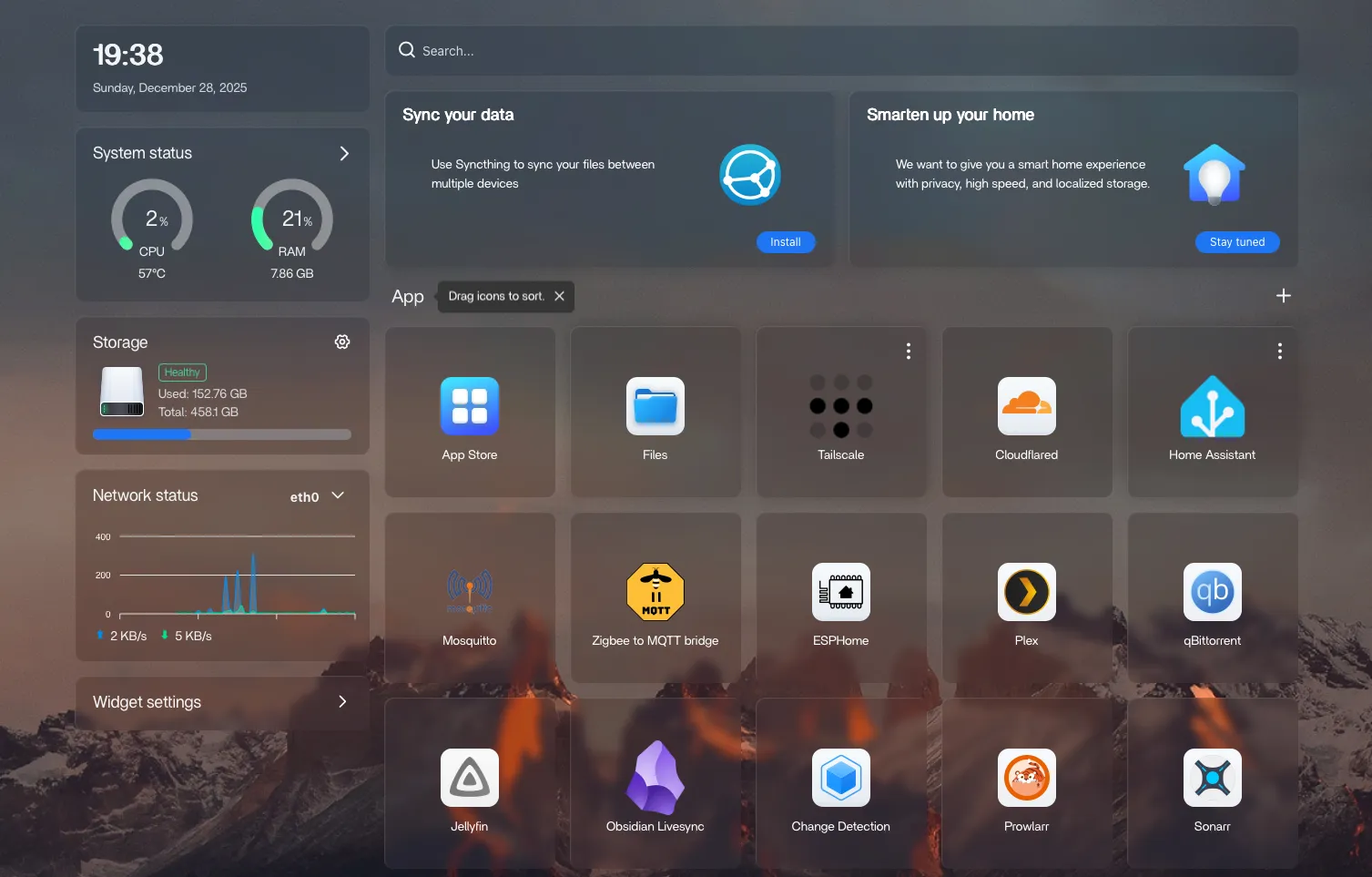
CasaOS acts as the main host and service manager for the system. It provides a clean web UI for installing and managing containers. It includes an app store with pre-configured self hosted apps, making it as easy as installing apps from a traditional app store.
All major services, Home Assistant, MQTT, Plex, and others, run under CasaOS.
Networking & Remote Access
For remote access, I wanted something secure without opening ports directly on my home network. The setup looks like this:
- Tailscale for internal apps that don’t need a public subdomain
- Cloudflare Tunnels to map services to subdomains and expose them to the internet
- Cloudflare Access (Zero Trust) for authentication and protection
Public-facing services go through Cloudflare and are protected by Access policies. Cloudflare Access provides configurable login pages to restrict access who can access which services. Anything more internal or experimental is accessed via Tailscale, which effectively gives me a private LAN wherever I am.
Home Assistant: Automation Layer
Home Assistant handles all automation logic.
All smart devices in the house are connected to Home Assistant, regardless of how they communicate. This includes both Wi-Fi–based devices and Zigbee devices.
For lighting and physical controls, I try to rely on Zigbee whenever possible. Zigbee devices are local, relaible, and don’t add extra load to the Wi-Fi network.
Most of the lighting setup consists of IKEA Zigbee lights and remotes, connected through a Sonoff Zigbee adapter. Device communication is handled via Zigbee2MQTT, with Mosquitto running as the MQTT broker. This combination has been very stable and makes it easy to build flexible, decoupled automations.
Physical Controls & Context-Aware Behavior
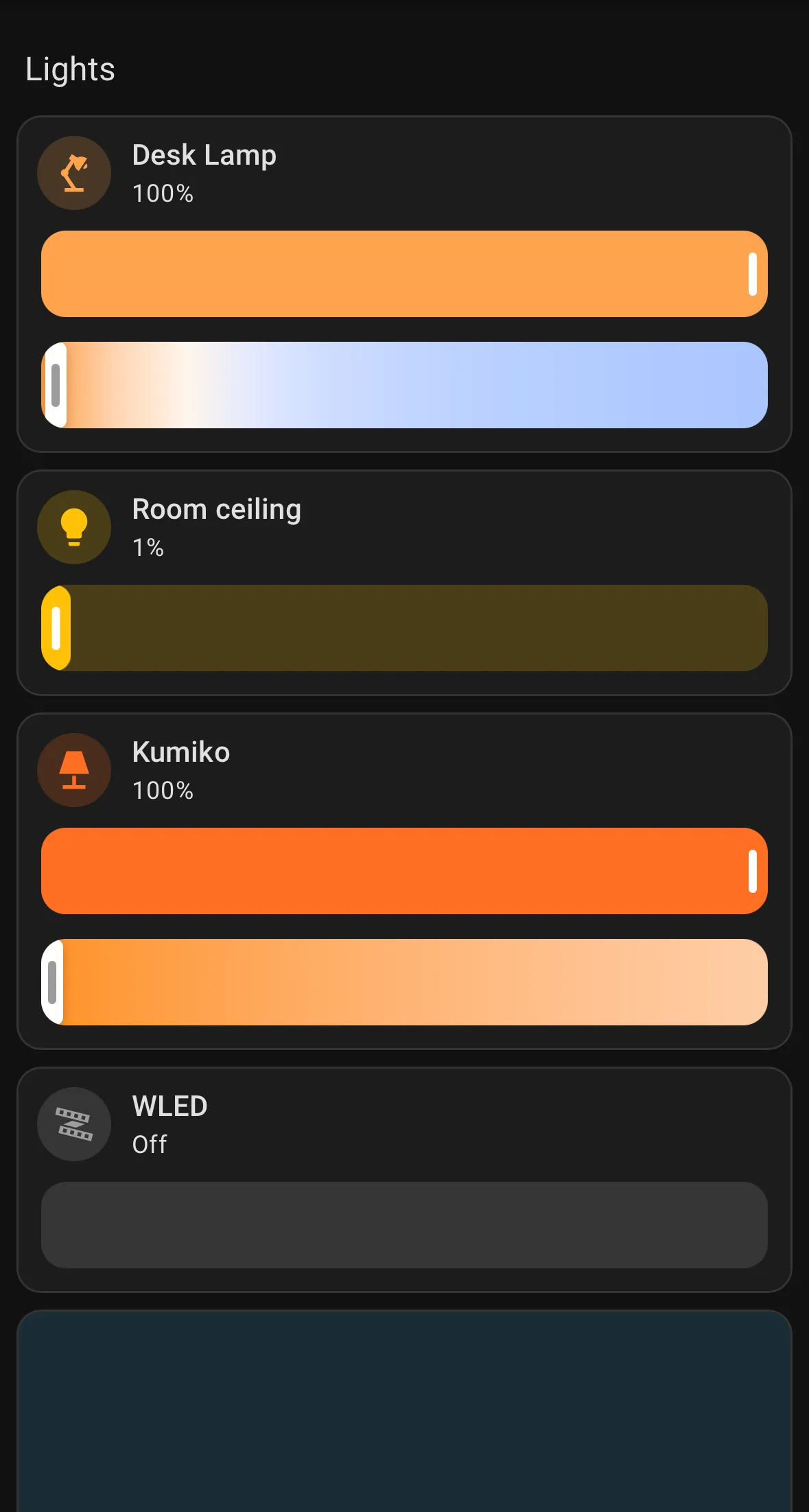
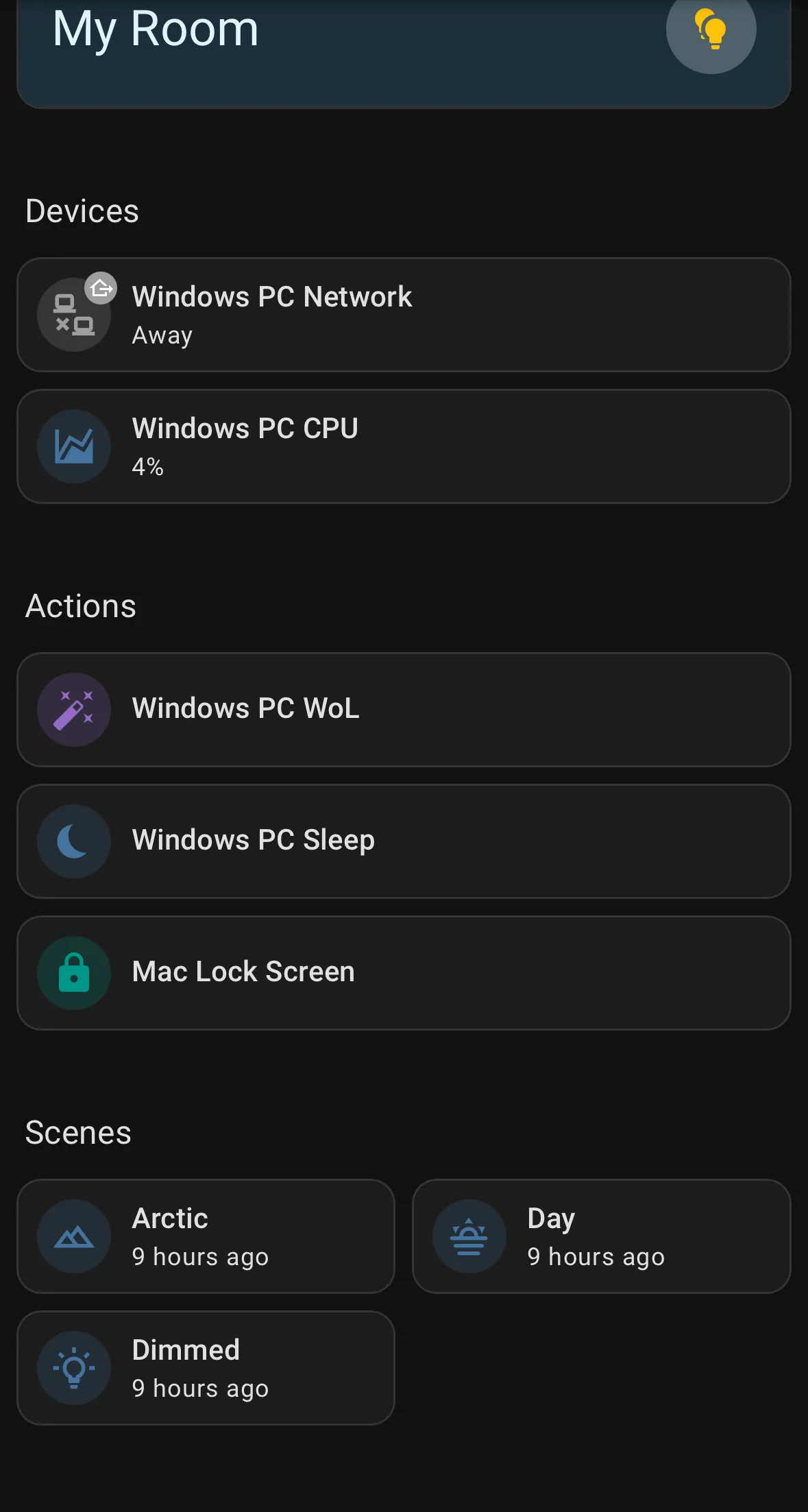
Home Assistant offers both mobile and web dashboards where you can control devices, set automations, and create scenes. For daily use, however, I strongly prefer physical controls especially for lighting.
Heres an example how I programmed IKEA Strybar remote:
- When the lights on, lighting modes such as dimmed, warm, or cold white
- When the lights off, remote becomes a media controller
In practice, “lights off” usually means cinema mode, when I’m lying in bed watching something. In that state, it makes much more sense for the same physical buttons to control playback. Button presses are routed to an ESPHome-based ESP device that behaves as a BLE keyboard, sending media control signals to my computer, without needing a software.
It’s slightly over-engineered, but very satisfying in daily use.
What Works Well
- Simple hardware setup with SSD storage
- CasaOS as a lightweight home server layer
- Zigbee + MQTT reliability
- Tailscale, Cloudflare Tunnels and Access
What Still Needs Work
I also run Plex on the same Raspberry Pi.
This is currently the weakest part of the setup. It works, but it’s not very stable, especially during indexing or when handling heavier media. The Pi can manage it, but it’s clearly near its limits. Plex is likely the first thing I’ll move elsewhere.